Figma → Web
I design every website in Figma first — colours, fonts, components and every screen. You see it and approve it before any code. Then I build exactly that, with motion, in WordPress, Next.js or Webflow.
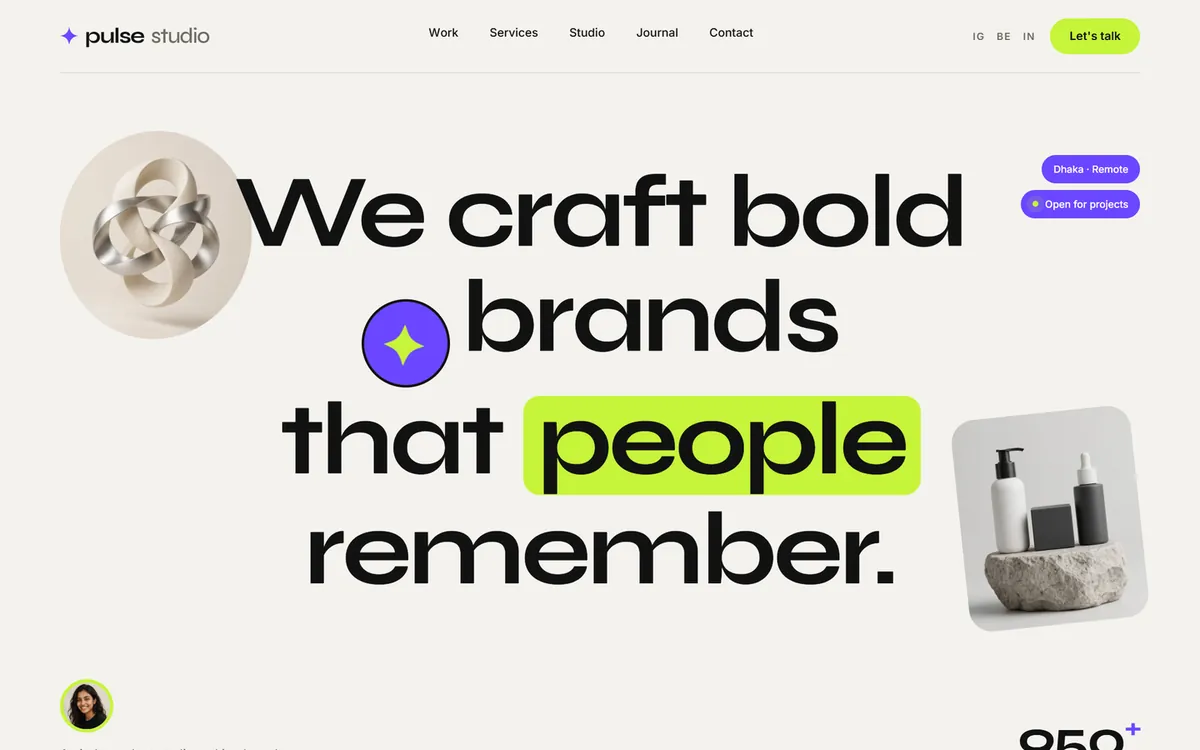
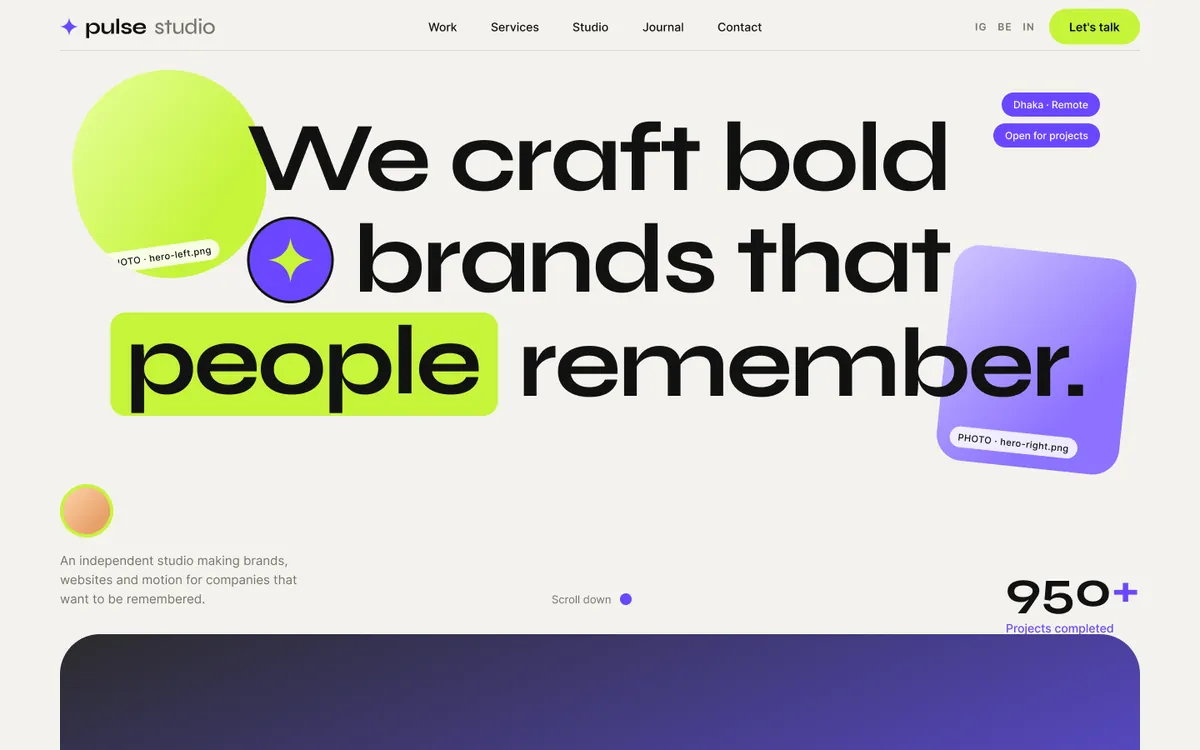 Figma designLive website
Drag the handle — left is the Figma design, right is the live website
How design becomes a website
6 steps01
Brief & references
We talk about your business, your customers and the sites you like. I collect references and agree the pages and sections.
You get · Sitemap and section list
02
Design system
Colours, fonts and spacing are set up once as Figma variables, so every screen stays consistent and a colour change takes a minute.
You get · Colour and type tokens
03
Components
Buttons, cards, badges and service rows are built as reusable Figma components with their own states.
You get · Component library
04
Full screens
Every page designed at desktop width, then the phone version, with real copy and photo slots marked.
You get · Desktop + mobile screens
05
Review & approval
You comment right inside Figma. I change it until you are happy — nothing is coded before you approve.
You get · Approved Figma file
06
Build with motion
I build the approved design in WordPress, Next.js or Webflow, add the animation, test on phones and put it live.
You get · Live, fast website
Case study 01
PULSE — creative agency
Step 1 · Design system
Colours and type, decided once
A warm paper background, near-black ink, and two loud accents — lime and violet. Headlines in Syne, text in Inter.
Paper
#F4F2EE
Ink
#121212
Lime
#C6F43A
Violet
#6B47FF
Stone
#77746E
Display · Syne
Aa
Medium · SemiBold · Bold · ExtraBold
Text · Inter
Aa
Regular · Medium · Semi Bold
Step 2 · Components
Built once, used everywhere
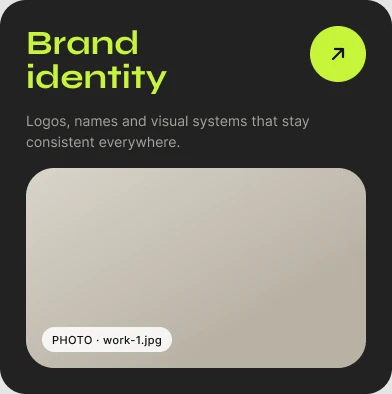
Each card and button is a Figma component. In the build they become reusable blocks, so the site and the design never drift apart.



Step 3 · Full page → build
Scroll one — the other follows
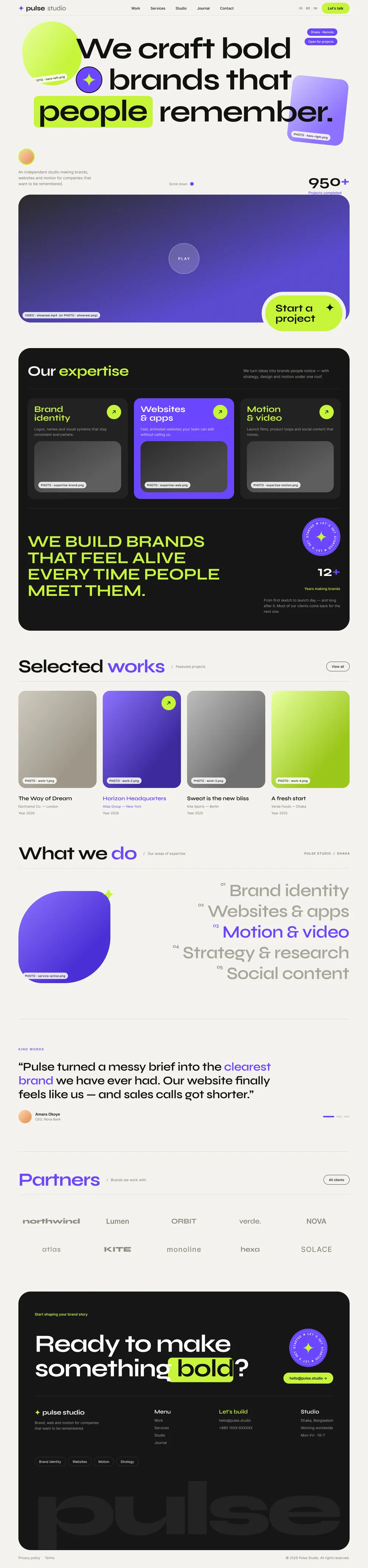
The approved Figma home page next to the finished website. Grey boxes in the design are photo slots; in the build they hold the real photographs, and every section gains its animation.

Step 4 · Variations
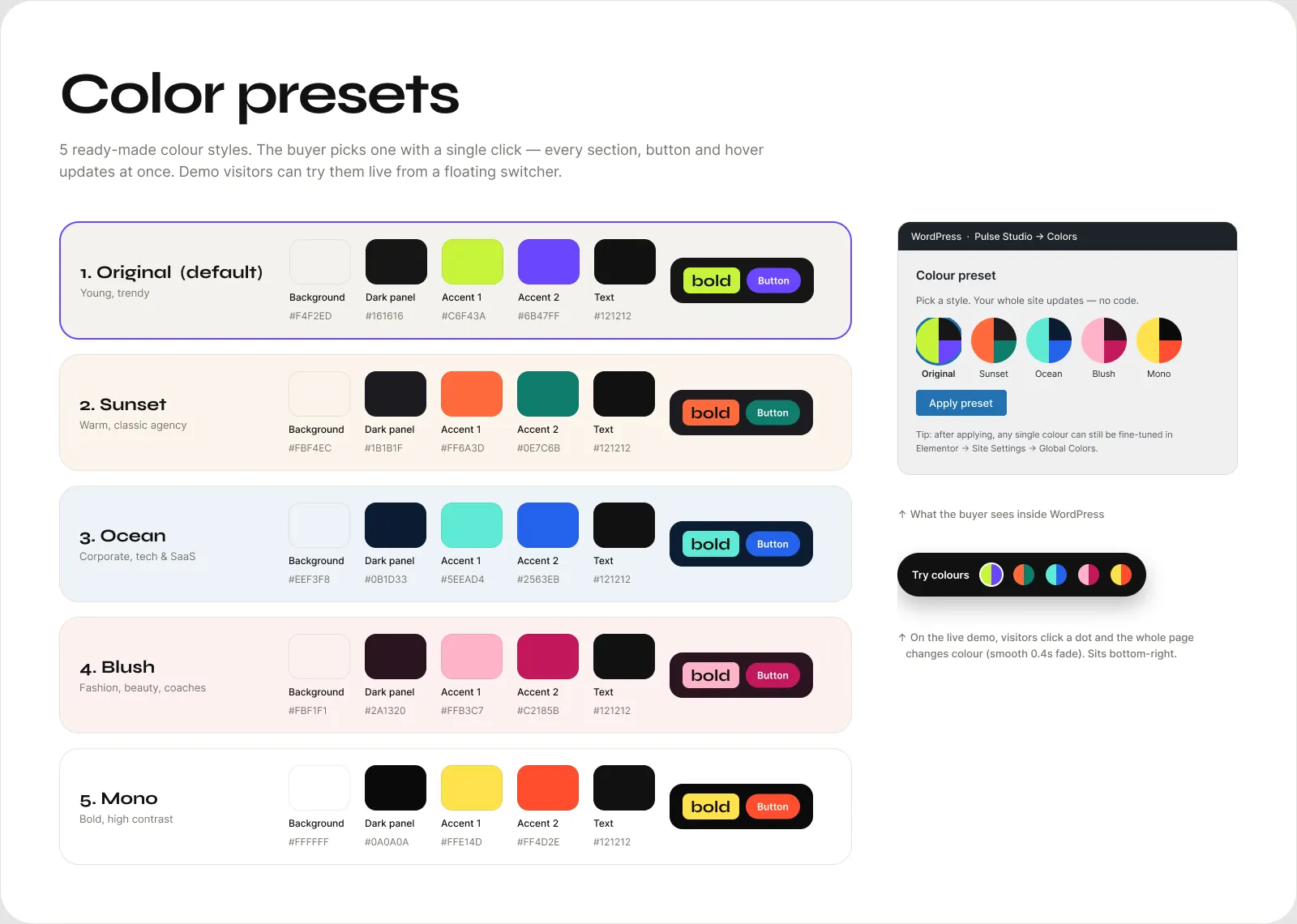
One design, five colour presets
Because the colours are variables, the whole page was redesigned in five palettes in Figma — and the WordPress theme switches between them with one click.
Case study 02
STRATA — SaaS landing page
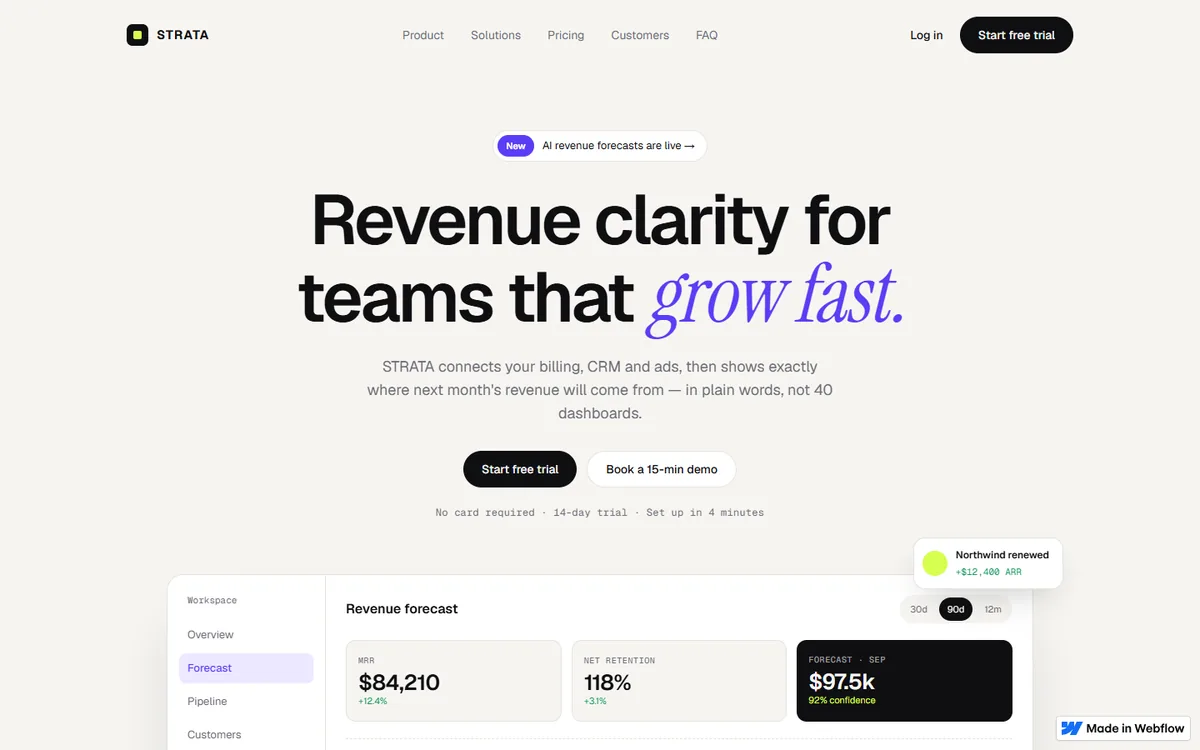
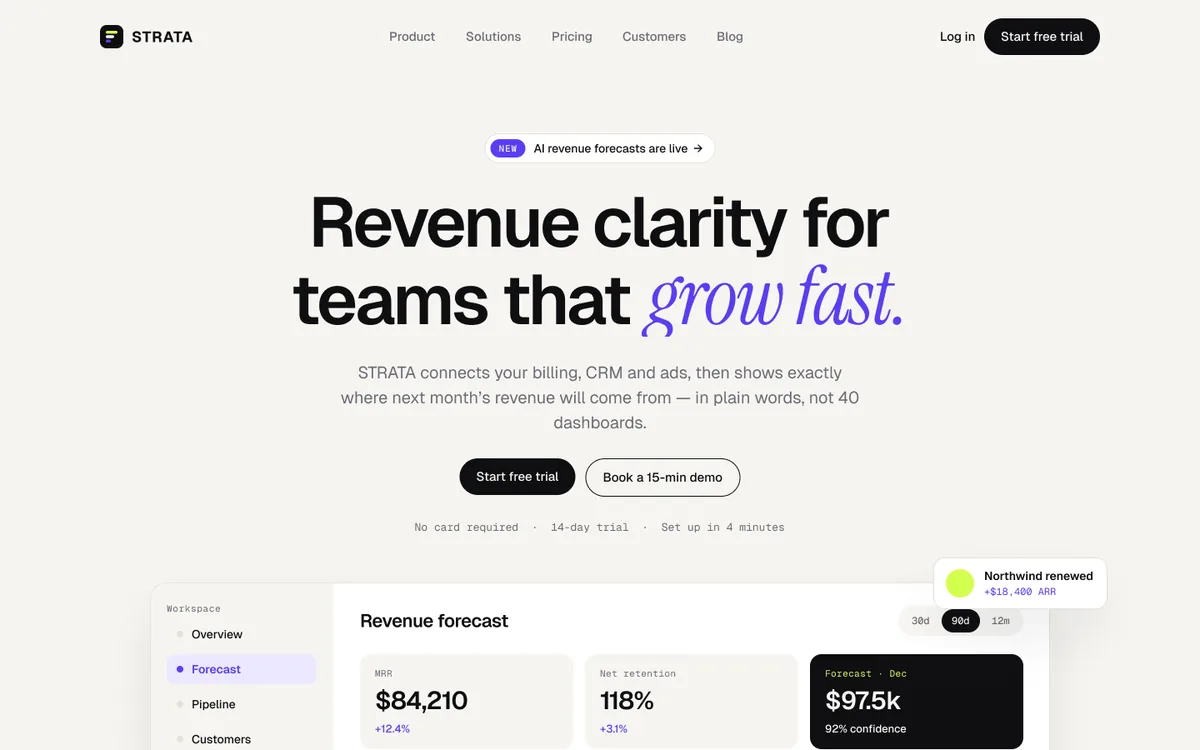 Figma designLive in Webflow
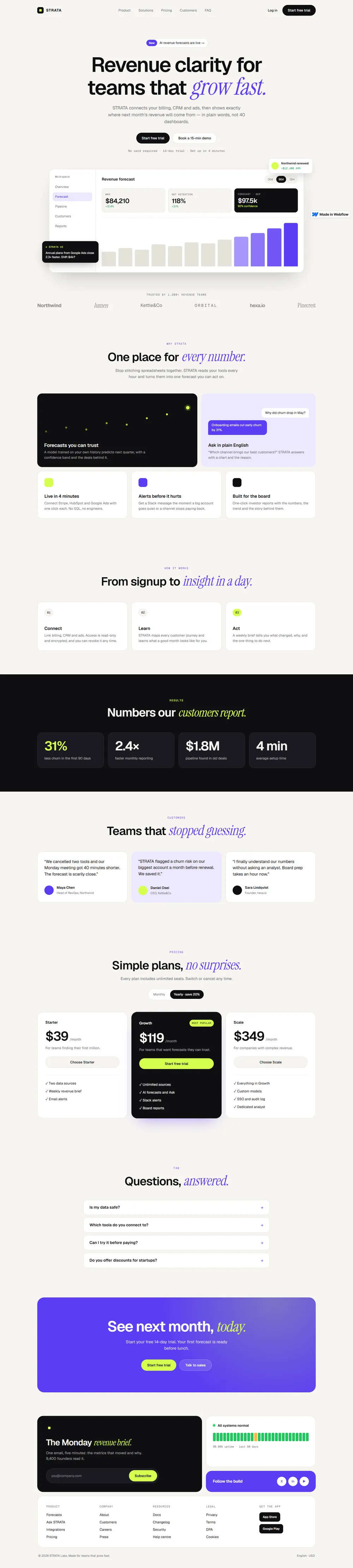
Drag — the Figma frame and the Webflow build line up section for section
Design system
Paper
#F6F5F1
Ink
#0F0F12
Accent
#5B3DF5
Accent soft
#ECE8FF
Lime
#D4FF4F
Dark
#1A1A21
Type
Revenue clarity grow fast.
Geist · Instrument Serif Italic · Geist Mono
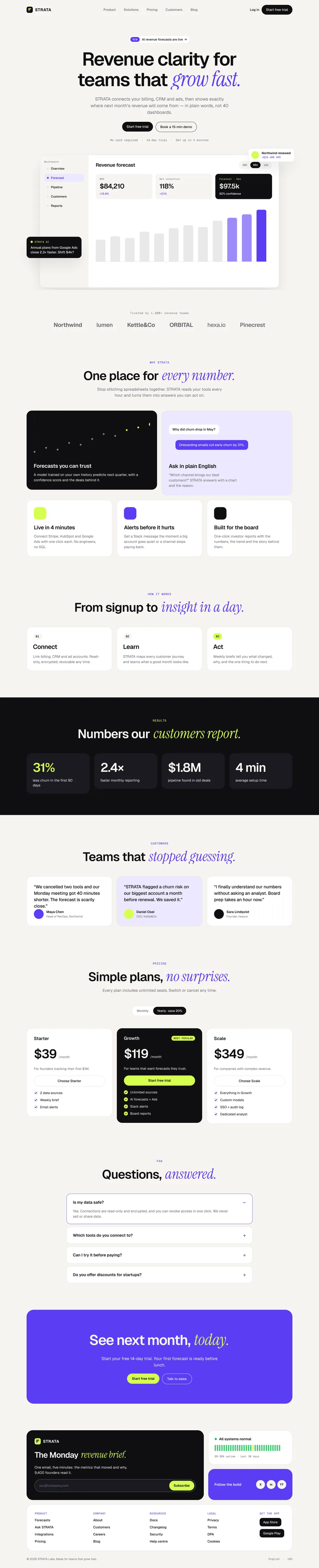
- — Hero with a live-looking dashboard: forecast chart, KPI cards and floating notes
- — Chart bars rise one by one when the cursor moves over them
- — Black cards drop in from above with a bounce as you scroll
- — Bento features, dark results band, pricing and an open-and-close FAQ
- — A bento footer with newsletter, system status and links
Live in Webflow
Colour presets
Try it in your brand colours
The live site has a “Try colours” button in the corner. One click swaps the Webflow colour variables, and the whole page — buttons, headings, chart and panels — changes with it. No code, no reload.
Try the colours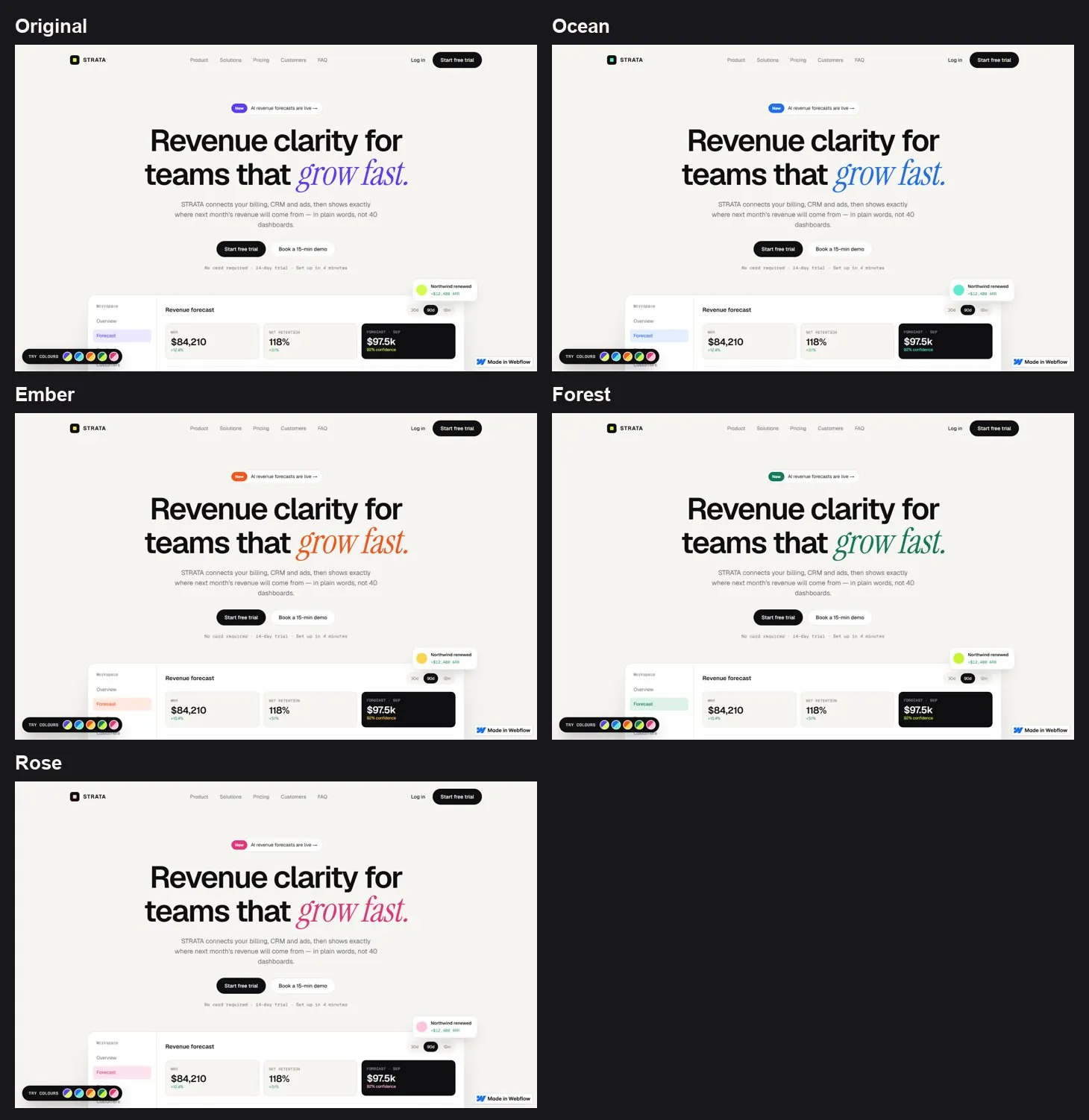
What you get
- 01The Figma file is yours — every frame, component and variable
- 02Colour and type system set up as variables
- 03Desktop and phone screens for every page
- 04Notes on animation for each section
- 05The finished website, built exactly as approved
- 06Already have a Figma design? I can build it for you
Design first. Then build it right.
Tell me about your business — I will start with the Figma design.